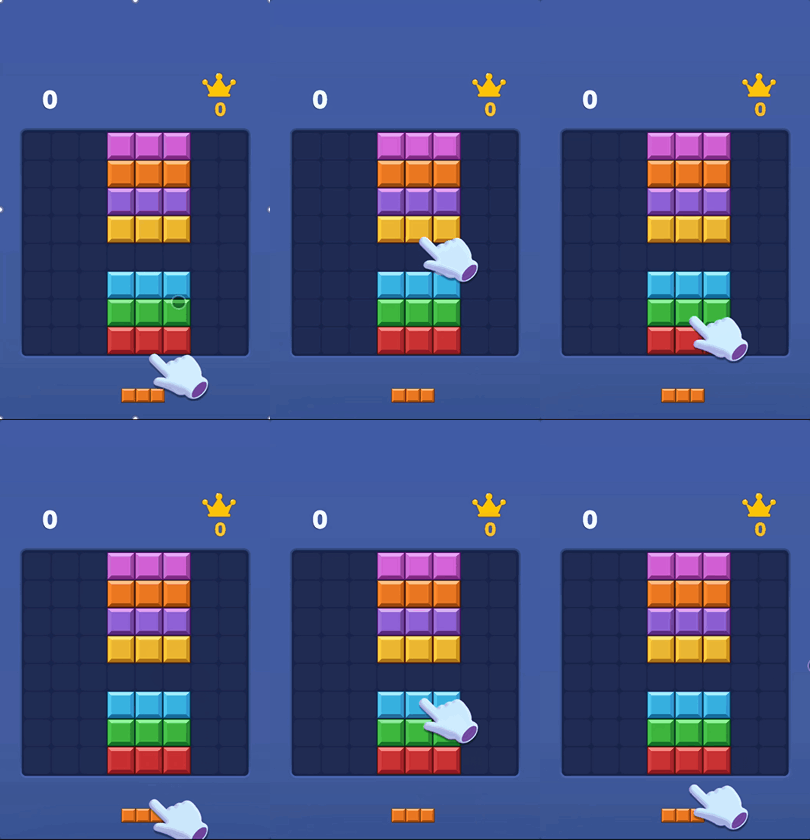
Multiple blocks of different shapes will appear at the bottom of the screen. Common shapes include lines, squares, L-shapes, T-shapes, rectangles, etc.
Players use the mouse or finger to drag the blocks and place them into the empty spaces in the grid.
Once a block is placed, it usually cannot be rotated or undoed, so careful placement is required.
When any row or column is completely filled with blocks, that row or column will automatically disappear.
Eliminating rows and columns earns points and frees up new space.
The game ends when there is no more space left to place a new block.
The goal of the game is not to complete the level, but to get the highest possible score within a limited space.
Pattern Points and Elimination Diagram
Gameplay Instructions
Game Tips
Observe before placing: Don't just look at where you can place a block right now—first judge whether placing it there will block future moves.
Keep large open spaces: Try to leave large contiguous empty areas to accommodate 3×3 blocks, big rectangles, or long straight pieces.
Prioritize clearing lines: When a row or column is nearly full, prioritize completing and clearing it to prevent the grid from becoming too crowded.
Use corners for irregular shapes: Place L‑shaped, zigzag, or other irregular blocks in corners or along edges to minimize scattered holes.
Create combo clears: Intentionally set up multiple rows or columns at once so that a single placement triggers several line clears for a higher score.
Avoid isolated single gaps: Lone empty cells are hard to fill with normal blocks unless a 1×1 block appears.
Keep the center flexible: The more open the center area, the more placement options you have, making it easier to survive later in the game.